
Link your website to your Life Insurance Guide profile
Below are five ready-made badges you can place in your website footer, sidebar, or email signature. Each one links visitors straight to your adviser profile. Pick whichever suits your layout, download the PNG, and add it to your site.
Every badge downloads as a PNG with a transparent background, so it sits neatly on any colour. The sizes shown are the recommended display size on your website.
Choose Your Badge
Five options, from a small icon that sits quietly in a footer through to a full banner for a sidebar or blog post.

Profile mark
The smallest option. Sits neatly beside other trust marks and licensee logos without drawing attention away from your own branding.
Size 132 × 132 px Best for Footers, logo rows

Footer pill
Names the directory without taking up much room. A good default if you only want one badge on your site.
Size 239 × 64 px Best for Footers, signatures

Call to action bar
Navy fill makes this read as a button rather than a logo, so visitors are more likely to click it. Use it where you want the link noticed.
Size 354 × 76 px Best for Contact pages, sidebars

Wide banner
The full lockup with a line of context. Carries the most weight, so give it room. Works well at the end of an About page.
Size 560 × 177 px Best for About pages, blog posts

Square tile
Square format for a sidebar widget or a social post. The only badge that carries the web address, so it also works printed or shared as an image.
Size 360 × 360 px Best for Sidebars, social posts
See It In Place
Two of the most common spots. The badge sits alongside your own branding rather than competing with it.
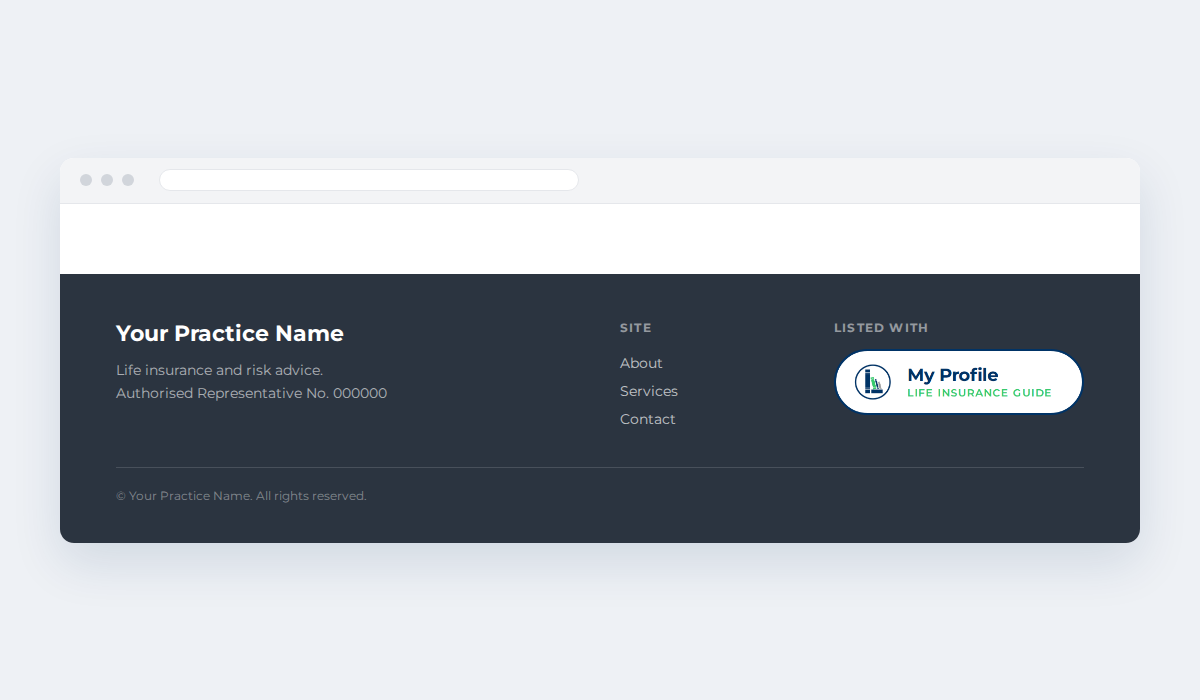
In your site footer
The footer pill sits with your licensee details and other trust marks, where visitors already look for credentials.
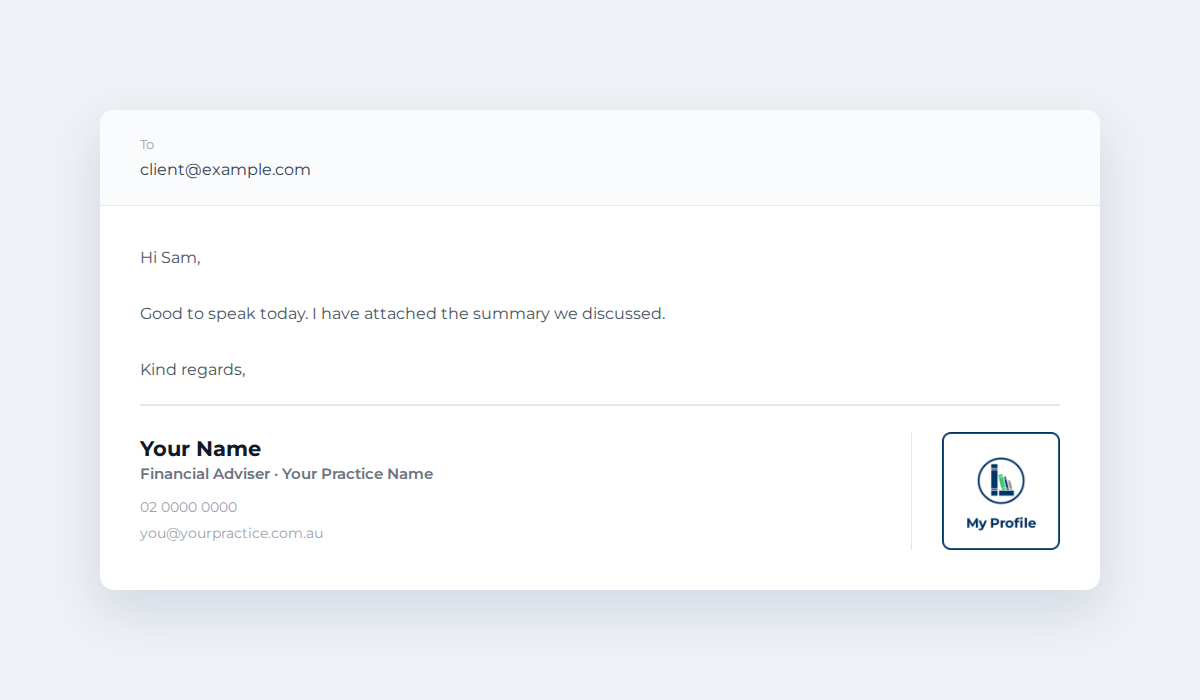
In your email signature
The profile mark is small enough to sit beside your contact details without crowding them, and gives every email a link back to your profile.
How To Add It To Your Site
Three steps. If your site is managed by someone else, send them this page and your profile address.
Download a badge
Pick the option that suits the space you have and save the PNG to your computer.
Copy your profile link
Open your profile in the adviser directory and copy the web address from your browser.
Upload and link
Add the image to your page, then set its link to your profile address. Open it in a new tab.
Replace the two placeholder addresses with your own.
<a href="YOUR-PROFILE-LINK" target="_blank" rel="noopener">
  <img src="YOUR-BADGE-IMAGE.png"
       alt="View my adviser profile on Life Insurance Guide"
       width="239" height="64" />
</a> These badges are provided for use by advisers currently listed in the Life Insurance Guide adviser directory, and link only to that adviser’s own profile. Please do not alter the colours, proportions, or wording. If your listing ends, remove the badge from your site.
These badges come with a directory listing
The badges link to an adviser profile on Life Insurance Guide, so they are for advisers listed in the directory. There is more support on the way, and listed advisers get it first.